Mobile development / NEWS ANALYSIS
Android Studio Quail 4 adds Android skills and Gemma 4 integration
Android Studio Quail 4 is production-ready with Android-specific agent skills and Gemma 4 integration. Here is what mobile teams should evaluate first.
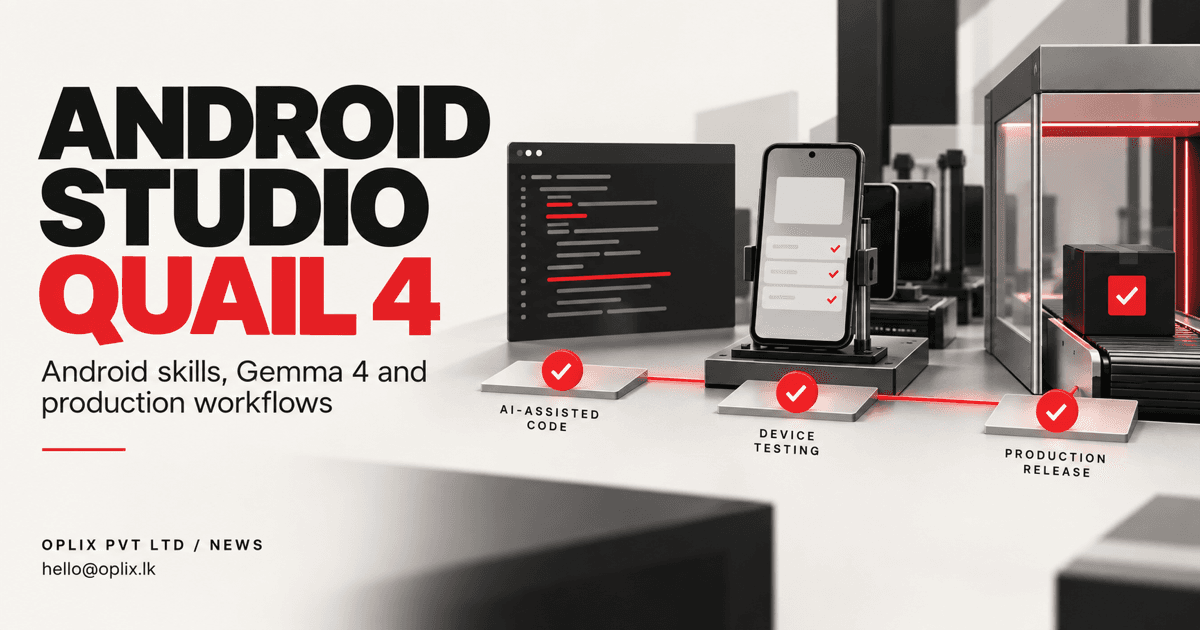
Google announced Android Studio Quail 4 as production-ready on September 1, 2026. The release includes Android-specific skills for the IDE’s AI agent and integrates Gemma 4. For mobile teams, the value will come from faster, more contextual development work—not from skipping engineering review or device testing.
What is new in Android Studio Quail 4?
Google says the release bundles Android-focused skills that give the IDE agent reusable instructions for development tasks. It also brings Gemma 4 into the Android Studio experience. Organizations using Gemini Enterprise can connect with an enterprise account, subject to the current product and administrator settings.
Skills are useful because generic coding instructions often miss platform conventions. A focused skill can guide an agent toward Android project structures, build tools and expected workflows. The output still needs to be checked against the application’s own architecture and supported device range.
What could this change for mobile teams?
An IDE agent can help with contained work such as explaining unfamiliar code, preparing a refactor, drafting tests, investigating a build error or applying a known migration pattern. Better Android context may reduce the time spent repeatedly teaching the assistant basic platform conventions.
The strongest use cases have a reviewable result. A developer can inspect a diff, run the build and tests, and compare behaviour on devices. Work that changes authentication, payments, privacy, storage or release configuration deserves additional scrutiny.
AI assistance does not replace mobile QA
Android apps run across different devices, screen sizes, operating-system versions and vendor configurations. Code that looks correct can still fail because of lifecycle behaviour, permissions, background restrictions, network conditions or accessibility issues.
Keep the existing quality gates: static analysis, unit and integration tests, device testing, performance checks and staged release monitoring. AI-generated changes should be attributed and reviewed under the same or stronger standards as human-written changes.
A responsible evaluation plan
Start with a small group and a low-risk repository. Define which code and data the tool may access, then choose representative tasks such as test generation, documentation or a contained UI change.
Track accepted changes, review time, defect rate and developer feedback. Compare those results with the team’s normal workflow. If the agent saves drafting time but increases debugging or review effort, the net benefit may be small.
Enterprise teams should also verify administrator controls, data-use terms and available audit information for their exact account and cloud setup. Product names can be similar while governance settings differ.
What should product owners ask?
- Does the team have a reliable build and test pipeline before adding AI-generated changes?
- Which parts of the app carry the greatest security, privacy or revenue risk?
- Can reviewers clearly see and reproduce what the agent changed?
- Will the tool improve delivery of the roadmap, or simply create more unprioritized code?
Oplix perspective
Android Studio Quail 4 may make experienced mobile teams faster when it is introduced into a disciplined engineering process. Oplix can help shape the mobile product, build the application and backend, introduce appropriate automation, and prepare the release with device-level checks. The assistant is an accelerator; a dependable app still comes from sound product and engineering decisions.
Primary sources
TURN THE UPDATE INTO A USEFUL SYSTEM
How Oplix can help
Explore the services directly related to this development.
AI Development
Custom AI agents, assistants and product features connected to your data, tools and business workflows.
Explore AI Development →Software Development
Custom dashboards, portals, mobile apps, internal tools, APIs, and SaaS products shaped around how your business actually operates.
Explore Software Development →Mobile App Development
iOS and Android applications with connected backends, thoughtful interfaces and AI features where they serve the product.
Explore Mobile App Development →