AI automation / NEWS ANALYSIS
Atlassian and OpenAI Bring Work Context to AI Agents
Atlassian and OpenAI are connecting enterprise work context with AI agents. See what teams can use now, what remains planned, and what to evaluate first.
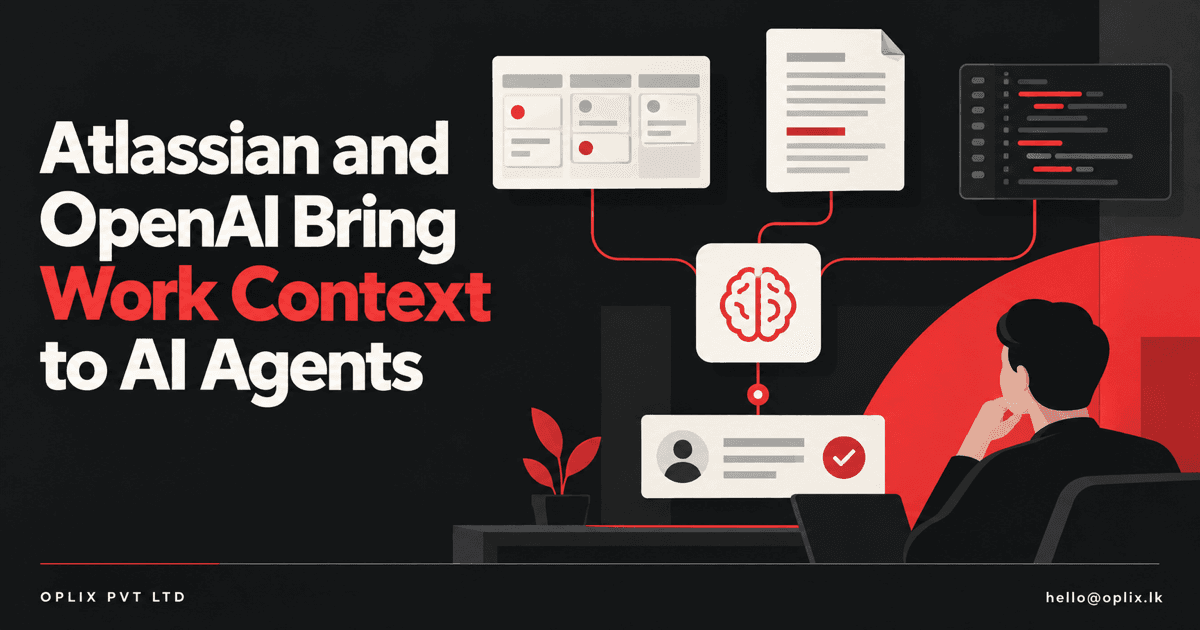
Atlassian and OpenAI announced an expanded partnership on October 6, 2026, connecting OpenAI models with Atlassian’s Teamwork Graph and products such as Rovo. The goal is to give AI assistants and agents more relevant project context—such as work items, documentation, decisions, and relationships—so they can help teams understand work and take steps inside familiar workflows. Atlassian says teams can connect ChatGPT and Codex to enterprise context through its Model Context Protocol (MCP) integration. Deeper autonomous-agent workflows remain in development.
For businesses, the announcement highlights a practical design challenge: an AI agent needs the right context and permissions before it can take useful action. Connecting another system can help, but it also means teams should decide which information an agent may access, what actions it can take, and where a person reviews its work.
What did Atlassian and OpenAI announce?
OpenAI says its models from the GPT-6 family will power agents across Atlassian’s platform and Rovo, which uses Atlassian’s Teamwork Graph to connect organizational information. Atlassian describes the graph as a context layer for projects, decisions, and execution systems. The partnership builds on their work together since 2023.
The companies describe several ways teams can use this context. A product manager could ask whether a launch is on track and have Rovo draw on Jira work items, Confluence documents, and discussions to identify blockers or decisions that need attention. Developers can connect Codex with Atlassian work items and technical documentation through Atlassian integrations.
These examples describe the companies’ products and partnership. They are not a guarantee that every integration, model, data source, or workflow is available to every customer.
What can teams use now, and what is still planned?
Atlassian says OpenAI models are available across Rovo and the Atlassian platform, and teams can connect ChatGPT and Codex to enterprise context through Atlassian MCP. OpenAI also describes Atlassian plugins that can make Jira work items, Confluence content, and development context available to ChatGPT and Codex, subject to permissions.
The companies say they are exploring deeper integrations that could let autonomous agents pick up work items, run tests, synchronize local session history to team boards, and support multi-agent workflows with human checkpoints. Treat those capabilities as future work, not as features that are ready to deploy today.
That distinction matters when evaluating a vendor announcement. A current connector can help an assistant find relevant information; a future agent that performs tasks across systems raises additional questions about permissions, approval steps, error handling, and how actions are recorded.
What should a business evaluate before connecting work data to AI?
- Start with a specific workflow. Choose a repeatable task, such as preparing a project status brief or finding open dependencies. Define what a useful result looks like before granting an agent broader access.
- Map the information boundary. List the Jira projects, Confluence spaces, repositories, and other sources the workflow needs. Confirm that the integration respects the access rules already applied to those sources.
- Separate reading from acting. Decide whether the assistant may only retrieve and summarize context or can also create and update work items. Require explicit review before actions that change a team’s records.
- Keep the decision trail. Record the sources used, the agent’s output, any human edits, and the final action where the workflow calls for it. This makes it easier to investigate errors and improve the process.
- Test failure cases. Try missing, stale, contradictory, or restricted information. A workflow should ask for clarification or hand off to a person when its context is incomplete.
The Atlassian announcement also says that agent sessions can be anchored to Jira work items to capture requirements, progress, and decisions alongside human comments. That is a useful direction for accountability, but businesses should verify which records are captured in the integrations they actually use.
How does this connect to Oplix services?
Oplix can help scope an AI assistant, automation workflow, or software integration around a team’s tools and approval process. The work starts with a defined task, the right access boundary, and a clear path for uncertain results. If you are exploring AI connected to internal project knowledge, talk with Oplix about a focused pilot.
Primary sources
TURN THE UPDATE INTO A USEFUL SYSTEM
How Oplix can help
Explore the services directly related to this development.
AI Development
Custom AI agents, assistants and product features connected to your data, tools and business workflows.
Explore AI Development →AI Automation
Connect business tools, process information, qualify leads, trigger actions, and draft communications—with people in control when judgment matters.
Explore AI Automation →Software Development
Custom dashboards, portals, mobile apps, internal tools, APIs, and SaaS products shaped around how your business actually operates.
Explore Software Development →