AI productivity / NEWS ANALYSIS
Claude merges Cowork and chat into one workspace
Claude now combines Cowork and chat, with Docs, Slides and Design inside conversations. Here is what the rollout means for business workflows.
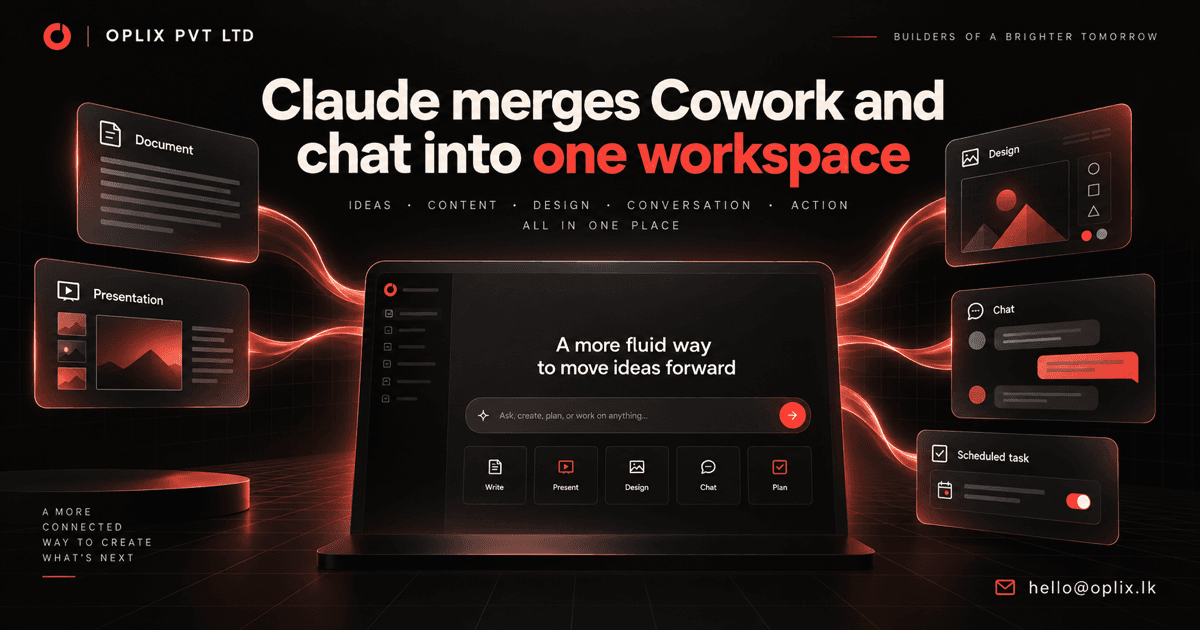
Claude announced on September 16, 2026 that Cowork and chat are becoming one Claude experience. The change is designed to let people move from a quick conversation to longer, delegated work without changing products. Claude Docs and Claude Slides are joining Claude Design inside conversations, while existing Cowork projects, chats, artifacts, connectors and skills are preserved.
For businesses, the notable change is not simply a redesigned interface. It is the consolidation of conversation, content creation, connected context and recurring work into one workspace. That can reduce friction, but dependable adoption still requires clear permissions, review steps and ownership.
What did Claude announce?
Claude says users will be able to ask a question, create a deliverable or hand over a larger task from the same conversation. Work can continue after a laptop is closed, and users can return later to review progress.
The company also introduced or repositioned three creation surfaces:
- Claude Docs: Create documents inside a conversation.
- Claude Slides: Build and revise presentation decks.
- Claude Design: Produce visual work alongside the surrounding discussion and context.
Docs, Slides and Design are in beta on paid plans. The unified experience is rolling out to Pro and Max customers over the next few weeks. Claude says Team and Free availability will follow, while Enterprise administrators will receive at least 30 days' notice before their rollout.
That schedule matters. A business should confirm availability for its exact plan and admin environment before redesigning a production process around these capabilities.
Why does a unified Claude workspace matter?
Many AI workflows are fragmented. A team discusses an idea in a chat, copies the result into a document, rebuilds the same context in a slide deck and then configures a separate automation. Every handoff creates an opportunity to lose decisions, sources, formatting or accountability.
Claude's unified model aims to keep those steps together. The announcement gives the example of preparing a weekly report and a five-slide leadership deck, then scheduling that work for every Monday. Cowork and Design capabilities can draw on context, skills and connectors from a conversation, and finished Docs, Slides or Design work can be shared through one link or downloaded as formats including PowerPoint and PDF.
The practical benefit is continuity: the conversation, working context and deliverable can remain connected. The risk is also continuity: incorrect context or overly broad access can flow across more of the process unless controls are deliberate.
Which business workflows could benefit?
The best candidates are repeatable knowledge-work processes with a clear input, deliverable and reviewer:
- Recurring management reporting: Gather approved metrics, summarize changes and prepare a report or presentation for human review.
- Sales preparation: Combine account context, meeting notes and approved collateral into a tailored briefing without exposing unrelated customer data.
- Project updates: Turn structured project information into stakeholder summaries, action lists and presentation-ready status updates.
- Research synthesis: Organize source material into a document, compare findings and create an executive deck with traceable references.
- Internal communications: Draft coordinated announcements, FAQs and visual material while keeping final approval with the responsible team.
These are workflow patterns, not guaranteed outcomes. Teams still need to validate facts, permissions, formatting and the quality of exported files.
What controls should a company put in place?
Claude says it asks before taking actions by default, and users can choose when to let it continue independently or check in for closer review. That is a useful product-level safeguard, but a company needs its own operating rules as well.
- Limit connected data: Give each workflow access only to the systems and records it needs.
- Define approval gates: Require human confirmation before external sharing, record changes, financial actions or customer communication.
- Preserve source links: Make it easy for a reviewer to distinguish source facts from model-generated interpretation.
- Use reusable instructions: Standardize tone, required sections, disclaimers and file formats instead of relying on an improvised prompt each time.
- Measure the workflow: Track completion time, correction rate, missed requirements and reviewer effort—not just how polished the first draft looks.
- Provide a fallback: Keep a clear manual path when a connector, export or automated step fails.
Enterprise administrators should also evaluate retention, identity, auditability and connector governance before enabling a broad rollout.
Should a business automate the whole process?
Usually not at the beginning. A safer rollout starts with one recurring, low-risk deliverable and leaves publication or distribution under human control. Once the team can measure reliability, it can decide whether additional steps deserve automation.
For example, an initial pilot might prepare a weekly internal operations summary using approved project data. A named owner reviews the sources, edits the conclusions and sends the final version. Only after that process is stable should the organization consider scheduled generation or a broader audience.
Oplix perspective
The merger of Claude Cowork and chat reflects a wider shift from isolated AI prompts toward connected workspaces that can produce and maintain business deliverables. The model and interface are only part of the solution. The lasting value comes from workflow design: selecting the right data, limiting actions, creating approval checkpoints and integrating the result with existing software.
Oplix helps businesses design AI assistants, workflow automation and custom software around a defined operational goal. We can map a recurring process, connect approved systems, build the supporting application or integration and establish human review before the workflow expands.
Primary sources
TURN THE UPDATE INTO A USEFUL SYSTEM
How Oplix can help
Explore the services directly related to this development.
AI Development
Custom AI agents, assistants and product features connected to your data, tools and business workflows.
Explore AI Development →AI Automation
Connect business tools, process information, qualify leads, trigger actions, and draft communications—with people in control when judgment matters.
Explore AI Automation →Software Development
Custom dashboards, portals, mobile apps, internal tools, APIs, and SaaS products shaped around how your business actually operates.
Explore Software Development →