Cybersecurity regulation / NEWS ANALYSIS
EU Cyber Resilience Act reporting platform launches: what software teams should know
ENISA has launched the Cyber Resilience Act reporting platform as new obligations begin. We explain the dates, workflow and preparation steps for software teams.
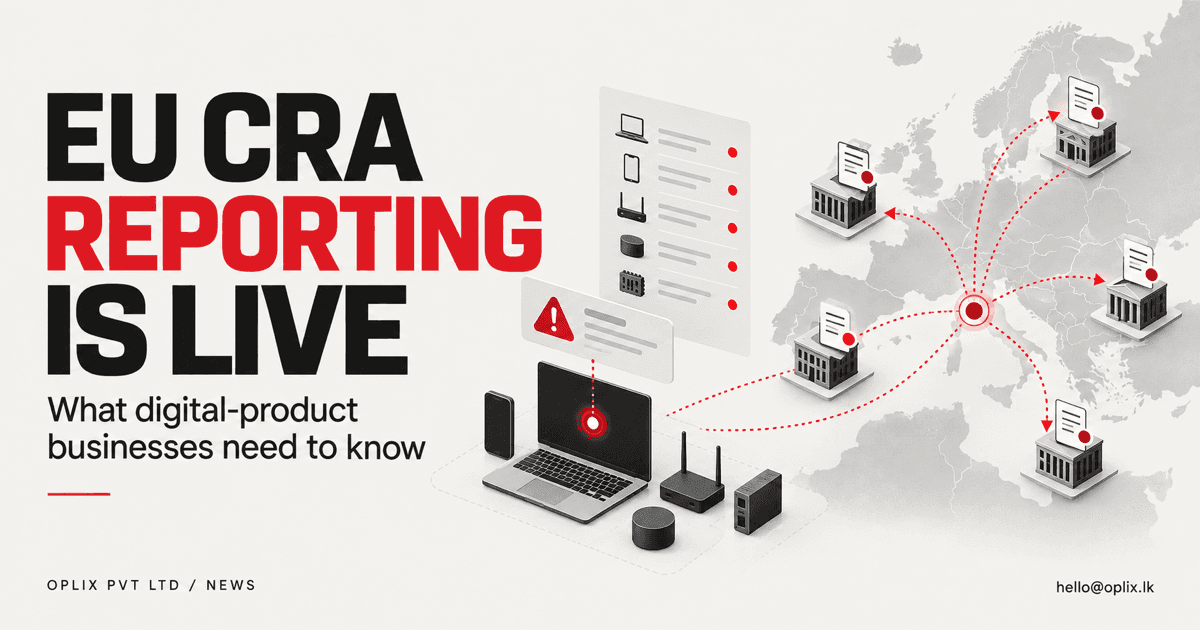
ENISA launched the Cyber Resilience Act Single Reporting Platform with initial operating capability on September 11, 2026. The same date marks the start of reporting obligations for covered actively exploited vulnerabilities and severe incidents. Software businesses serving the EU should determine whether the rules apply to them and prepare a documented response process.
What did ENISA launch?
The platform provides a route for manufacturers and open-source software stewards covered by the Cyber Resilience Act to submit notifications. ENISA says reports are routed to the coordinating CSIRT, affected member-state CSIRTs and ENISA according to the regulation’s process.
The reporting obligations took effect on September 11, 2026. ENISA notes that the CRA’s main cybersecurity requirements apply from December 11, 2027. These dates serve different parts of the regulation and should not be treated as one deadline.
Which events are covered?
The platform announcement focuses on actively exploited vulnerabilities and severe incidents affecting products with digital elements. Whether an organization, product or event is in scope depends on the regulation’s definitions and the facts of the situation.
This article is general information, not legal advice. Businesses should obtain qualified legal and security guidance for their products, roles, reporting duties and deadlines.
Why the operational process matters
A reporting portal is only the final interface. Before a team can submit accurate information, it needs a way to receive vulnerability reports, assess severity, identify affected versions, preserve evidence and escalate the issue to the right owners.
Fragmented ownership creates risk. A security finding may arrive through support, a researcher, automated scanning or a customer. If each channel follows a different path, the organization may lose valuable time deciding who is responsible.
A preparation checklist for software teams
- Map products and roles. Record the digital products offered in the EU and obtain advice on the organization’s status under the CRA.
- Create an intake route. Give customers and researchers a clear, monitored way to report a vulnerability.
- Define triage and escalation. Name technical, security, legal and leadership owners with an out-of-hours path where appropriate.
- Maintain product evidence. Track supported versions, dependencies, releases and affected customers so the team can assess impact.
- Rehearse reporting. Run a tabletop exercise using a fictional event and the official guidance available for the platform.
- Review suppliers. Understand how material vulnerabilities in third-party components will reach the team.
What should be automated?
Automation can collect alerts, enrich a ticket with affected components, notify the response team and assemble a draft evidence packet. It should not make an unreviewed legal determination or submit a consequential report without the designated owners.
The workflow should preserve source evidence, timestamps and decisions. Access to vulnerability details must be limited, and integrations should fail safely when information is incomplete.
Oplix perspective
The CRA reporting platform turns security readiness into an operational requirement for potentially covered businesses. Oplix can help software teams improve asset records, vulnerability intake, internal routing, audit evidence and secure development practices. Legal scope and regulatory interpretation must remain with qualified counsel; our role is to help build a clear, testable technical workflow around the organization’s decisions.
Primary sources
TURN THE UPDATE INTO A USEFUL SYSTEM
How Oplix can help
Explore the services directly related to this development.
AI Development
Custom AI agents, assistants and product features connected to your data, tools and business workflows.
Explore AI Development →AI Automation
Connect business tools, process information, qualify leads, trigger actions, and draft communications—with people in control when judgment matters.
Explore AI Automation →Software Development
Custom dashboards, portals, mobile apps, internal tools, APIs, and SaaS products shaped around how your business actually operates.
Explore Software Development →