Cybersecurity / NEWS ANALYSIS
GitHub can now block pull requests that expose secrets
GitHub rulesets can now stop pull requests with unresolved secret-scanning alerts from merging. Learn how the control works and where it fits in DevSecOps.
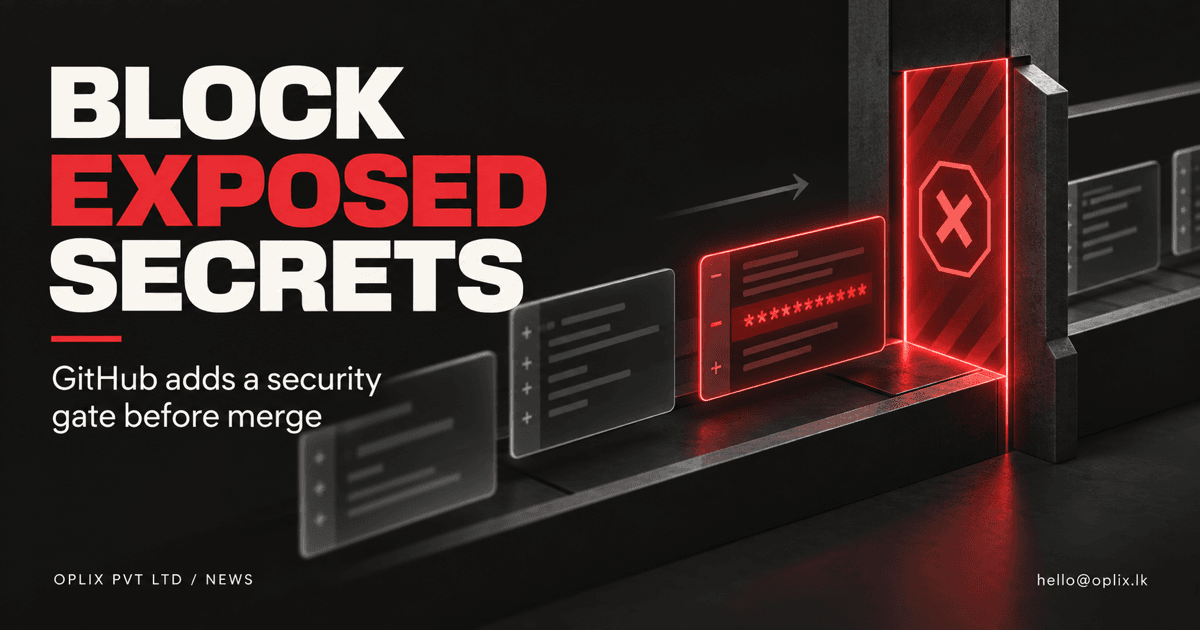
GitHub announced on September 9, 2026 that repository rulesets can block a pull request from merging when secret scanning finds an unresolved credential in the proposed change. The control adds a useful safety gate near the end of the review process, but it does not replace prevention, credential rotation or incident response.
How does GitHub’s merge protection work?
For a protected branch, the rule checks that secret scanning has completed for the pull request’s head commit and that no newly introduced secret-scanning alerts remain open. If the condition is not satisfied, the pull request cannot merge.
GitHub says the capability supports its provider patterns by default and can also work with custom and generic secret patterns. At announcement it is in public preview for customers using GitHub Secret Protection or GitHub Advanced Security.
The rule complements push protection. Push protection tries to stop a secret before it reaches the repository; pull-request protection provides another control before code reaches a protected branch.
Why exposed secrets remain a serious risk
Credentials can enter code through configuration files, copied examples, test fixtures, generated output or a developer’s local environment. Once committed, simply removing the text from a later commit may not eliminate the risk. The credential may remain in history, logs, forks or external caches.
That means a detected secret should be treated as potentially exposed. The safe response commonly includes revoking or rotating the credential, reviewing access logs, removing the secret from code and documenting what happened. The appropriate response depends on the credential and environment.
What this control does not solve
A merge rule cannot catch secrets that its patterns do not recognize. It also cannot correct overly broad permissions, protect a credential already copied elsewhere or determine the full impact of exposure.
Teams still need clear secret-storage conventions, least-privilege credentials and a response process. Automated dependency and code scanning, protected environments, peer review and short-lived credentials can provide additional layers.
A practical rollout checklist
- Inventory protected branches. Identify the branches and repositories where a merge could affect production or sensitive systems.
- Confirm licensing and availability. The feature was announced for Secret Protection and GitHub Advanced Security customers in public preview.
- Test expected failures. Use an approved test pattern—not a real credential—to confirm the rule blocks and later permits a pull request.
- Define the response. Tell developers who rotates credentials, who reviews logs and how an alert is resolved.
- Measure exceptions. Review bypasses, false positives and repeated sources of exposure.
How Oplix can help
For custom software and AI systems, security controls need to fit the actual delivery workflow. Oplix can help map repositories and environments, introduce practical review gates, improve secret handling and create release evidence without turning every small change into a manual bottleneck.
The goal is not merely a green check. It is a delivery process where a leaked credential is less likely to reach production and where the team knows exactly how to respond when detection occurs.
Primary sources
TURN THE UPDATE INTO A USEFUL SYSTEM
How Oplix can help
Explore the services directly related to this development.
AI Development
Custom AI agents, assistants and product features connected to your data, tools and business workflows.
Explore AI Development →Software Development
Custom dashboards, portals, mobile apps, internal tools, APIs, and SaaS products shaped around how your business actually operates.
Explore Software Development →