AI models / NEWS ANALYSIS
Google EmbeddingGemma 2 Brings Multimodal Search On-Device
Google's EmbeddingGemma 2 maps text, images, audio and video into one embedding space. Here is what multimodal search means for product teams.
WATCH THE PRIMARY SOURCE
Introducing EmbeddingGemma 2: An open model for natively multimodal embeddings
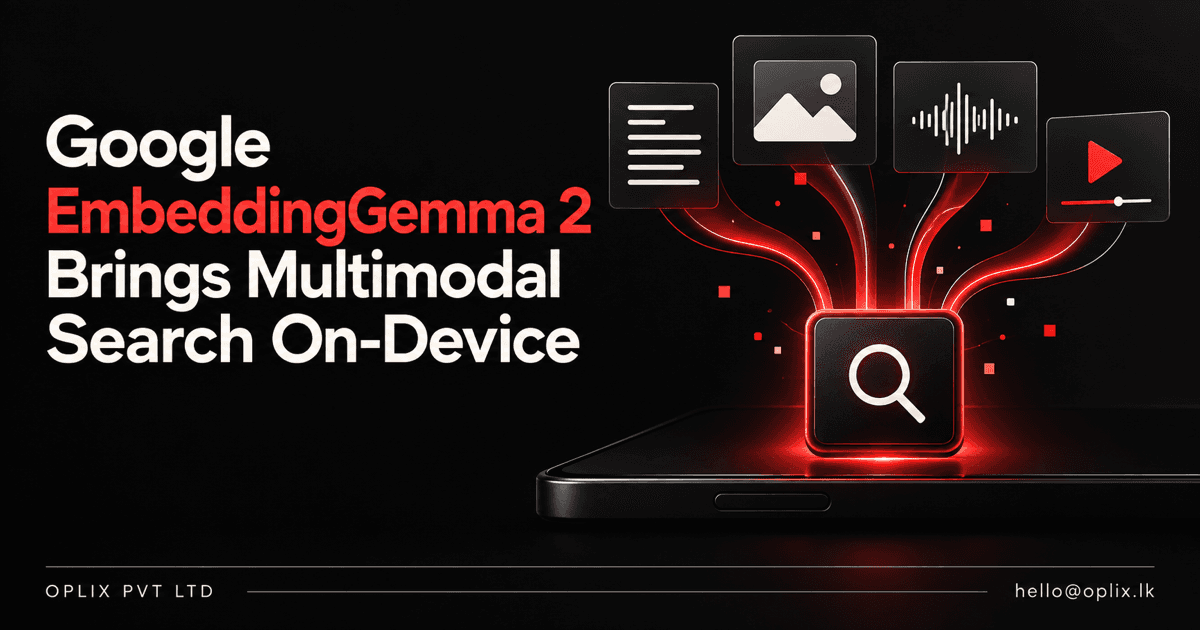
Google announced EmbeddingGemma 2 on October 6, 2026: an open-weight embedding model designed to put text, code, images, video and audio into one shared representation space. That gives developers a new way to build search and retrieval systems that can connect different media types—for example, searching video clips with a text query—while Google says the model is designed to run on consumer devices.
The important shift is not simply “AI can understand more files.” Embeddings let software represent content as vectors so it can retrieve items by meaning rather than exact keyword overlap. With a shared multimodal space, a product can compare a text query with images, audio or video representations using one model family. It is a building block for search and retrieval, not a finished search product: teams still need to prepare content, create and maintain indexes, evaluate results, and build the application around them.
What is EmbeddingGemma 2?
EmbeddingGemma 2 is Google DeepMind’s multimodal embedding model, released under the Apache 2.0 license. Google’s model card describes it as mapping text (including code), images, video and audio—including combinations of these inputs—into a shared 768-dimensional vector space. Google lists 740 million parameters across a 270-million-parameter text component and optional vision and audio encoders.
An embedding is a numeric representation of content. A search system can compare a query’s representation with representations stored in an index and rank results by similarity. The practical promise of a shared space is cross-modal retrieval: a text description could be compared with a video segment, or an image could be used to find related material in a media collection. Google’s launch examples include searching audio recordings with text and locating moments in video using text or audio queries.
Why does on-device multimodal search matter?
Running embedding generation locally can be useful when a product needs to process personal or proprietary media without sending every item to a remote service. It can also make an offline-capable experience possible, depending on the rest of the application. Those are architectural possibilities, not automatic guarantees: the full system’s privacy, latency, battery use and reliability depend on implementation and the device.
Google says EmbeddingGemma 2 supports modular loading: developers can use the text component on its own or add vision and audio components as needed. It also supports Matryoshka Representation Learning, which allows output vectors to be shortened from 768 dimensions to 512, 256 or 128. Shorter vectors can reduce index storage, but the trade-off is not free. Google’s model card reports that quality changes with vector size, and specifically recommends validating lower dimensions against the intended workload.
The launch materials also describe an 8K-token context window and report memory measurements on a Google Pixel 11 Pro. Treat these as Google’s published figures for its tested configuration, not universal hardware requirements or a performance guarantee for every deployment.
Where could teams apply it?
The model is most relevant when an organization has useful information spread across multiple media formats and needs to retrieve it by meaning. Potential patterns to evaluate include:
- Media libraries: search photos, recordings or video segments with natural-language queries.
- Knowledge retrieval: find relevant content across text and supported media as one step in a retrieval pipeline.
- Code discovery: create semantic representations for code search, which Google includes among the model’s intended tasks.
- Local-first products: test whether on-device indexing fits a privacy-sensitive or intermittently connected workflow.
These are implementation ideas, not claims that the model alone delivers a complete business feature. A production system needs content ingestion, modality-specific preprocessing, an index or vector database, access controls, a retrieval interface, observability and a plan for updating or deleting indexed content. Video and long-form audio can require substantial preprocessing and storage even when the embedding model itself is relatively compact.
What should developers test before adopting it?
- Start with a real retrieval task. Build an evaluation set from representative queries and the images, clips, recordings or documents users actually need to find.
- Measure relevance by modality. Test text-to-text and cross-modal retrieval separately. A result that looks good in a demo may not rank the right material for a specific collection.
- Choose the model footprint intentionally. Load only the modalities the application needs, and benchmark memory, latency, battery and throughput on target hardware.
- Validate vector dimensions. Compare 768-, 512-, 256- and 128-dimensional indexes with the task’s quality requirements and infrastructure budget. The smallest representation is not necessarily the best choice.
- Plan for indexing and governance. Decide how to chunk or sample media, attach metadata, enforce user permissions, remove outdated items, and handle sensitive content.
- Check language and edge cases. Google reports broad language support, but teams should evaluate the languages, accents, image types and recording conditions present in their own data.
As with any retrieval model, similarity is a ranking signal, not evidence that a result is correct or complete. For high-impact decisions, retrieval should be paired with appropriate verification and human review.
What the release means for product teams
EmbeddingGemma 2 makes a shared text-and-media representation available as an open model, with modular encoders and options for local use. That is worth testing for products where users need to find relationships across more than one content type. It does not remove the hard parts of search: good source data, useful chunking, permissions, relevance evaluation and a clear fallback when retrieval misses.
The best next step is a narrow prototype: choose one content collection, define the searches users struggle with, compare results against the current approach, and measure quality and device cost before expanding. Google’s launch post, model card and developer tutorial linked below provide the primary implementation details.
How Oplix can help
Oplix can help teams assess an AI use case, map the supporting automation workflow, or scope the custom software integration needed to test a retrieval concept. If you are considering search across documents and media, talk with Oplix about a focused prototype.
Primary sources
Primary sources
TURN THE UPDATE INTO A USEFUL SYSTEM
How Oplix can help
Explore the services directly related to this development.
AI Development
Custom AI agents, assistants and product features connected to your data, tools and business workflows.
Explore AI Development →AI Automation
Connect business tools, process information, qualify leads, trigger actions, and draft communications—with people in control when judgment matters.
Explore AI Automation →Software Development
Custom dashboards, portals, mobile apps, internal tools, APIs, and SaaS products shaped around how your business actually operates.
Explore Software Development →