AI agents / NEWS ANALYSIS
Google Gemini Agent: One AI for Everyday Business Work
Google's Gemini agent brings cross-app assistance and multi-step tasks to business workflows. See what launched and how to evaluate it safely.
WATCH THE PRIMARY SOURCE
Introducing Gemini for your business: one universal agent for all your work
Google has introduced a Gemini agent designed to handle multi-step work across connected business tools. The announcement points toward a shift from asking an AI assistant for one answer at a time to delegating a defined task, then reviewing the work it completes. For small and midsize businesses, that is worth evaluating—but the useful question is which workflow can be made more reliable, not whether an agent can run a whole company by itself.
What did Google announce?
In its October 8, 2026 Gemini at Work announcement, Google described Gemini as a universal work agent that can assist across Google Workspace apps, including Gmail, Drive, Docs, Slides, Sheets, Chat and Calendar. The company says users can give it a goal, work through multiple steps, and connect the agent to tools and business systems. Google also described ways to use the agent across the web and desktop, and to schedule work or respond to events.
These are Google’s stated capabilities and rollout plans. Access and available functions can vary by product, account, region and release stage, so teams should check the current product documentation and their own Workspace settings before planning around a specific feature.
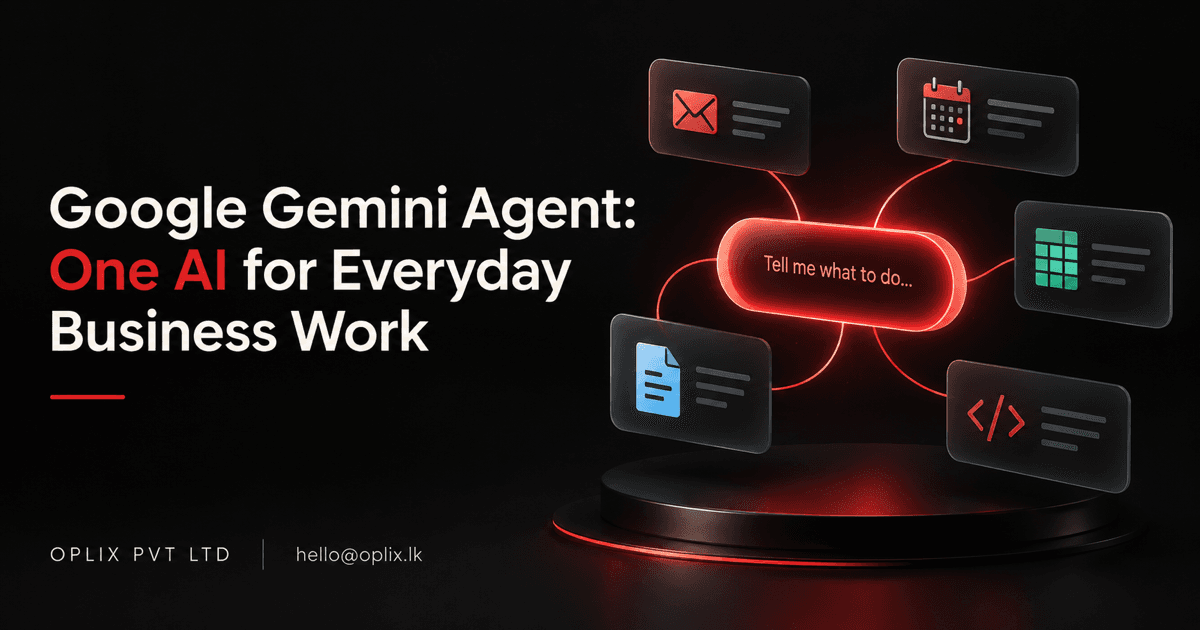
The companion video presents the idea simply: one agent for chat, multi-step work and code across the tools a business runs. Google's small-business guidance also frames Gemini as an assistant that can help with knowledge work, content and operational tasks. Neither framing means every process is ready for autonomous execution.
Why does a cross-app agent matter?
Many everyday processes involve handoffs between tools. A team might gather information from email, update a spreadsheet, prepare a document and send a follow-up. A conventional chatbot can help with pieces of that sequence; an agent is intended to coordinate more of the steps toward a requested outcome.
That can make the interaction feel more natural: describe the result you want, let the system work through permitted steps, then inspect what it produced. It can also make mistakes harder to notice if the task, permissions or review points are vague. The best early use cases are bounded and reversible—for example, preparing a draft summary from approved material or organizing information for a person to review.
How should a business evaluate Gemini's agent?
Start with one repeated process and write down its current inputs, steps, output and exceptions. Then assess whether the agent can improve that process using the tools and data your team is actually allowed to connect.
- Choose a narrow task. Define a clear result such as a first-draft brief or a reviewed internal handoff—not an open-ended instruction to “manage” a department.
- Map the steps and access. Identify which applications, records and actions are genuinely needed. Avoid granting broad permissions just to make a demo look smoother.
- Keep consequential actions reviewable. Sending external messages, changing important records, making commitments or triggering payments should have an explicit human approval point unless the business has separately validated and authorized that automation.
- Test real exceptions. Try incomplete inputs, conflicting information, duplicate records and unavailable tools. Check whether the system asks for clarification or produces something that looks confident but is wrong.
- Measure the workflow. Compare time, correction effort, completion quality and failure handling against the existing process. Include setup and ongoing maintenance in the evaluation.
The launch is a product direction, not evidence that every business workflow is ready for hands-off operation. Treat vendor descriptions as capabilities to verify in your own environment, with your own data and approval rules.
What this means for AI and automation projects
An agent does not remove the need to design a workflow. It makes that design more important. Teams still need to decide what counts as a valid input, which source is authoritative, what the system may change, who handles exceptions and how a person can inspect or correct the result.
That is why a useful pilot starts with process design, then adds the right combination of AI, integrations and software. A small, measurable task can reveal whether an agent is helpful before a company expands access or relies on it for customer-facing work.
How Oplix can help
Oplix helps businesses design AI assistants, connect repeatable operations through automation and build custom software around a defined need. We can help map a candidate workflow, identify integration requirements and review points, then scope a focused pilot. Explore AI development, workflow automation and custom software, or contact Oplix to scope an AI workflow.
Primary sources
Primary sources
TURN THE UPDATE INTO A USEFUL SYSTEM
How Oplix can help
Explore the services directly related to this development.
AI Development
Custom AI agents, assistants and product features connected to your data, tools and business workflows.
Explore AI Development →AI Automation
Connect business tools, process information, qualify leads, trigger actions, and draft communications—with people in control when judgment matters.
Explore AI Automation →Software Development
Custom dashboards, portals, mobile apps, internal tools, APIs, and SaaS products shaped around how your business actually operates.
Explore Software Development →