AI agents / NEWS ANALYSIS
Muse AI Agent: Features, Limits and Business Lessons
Meta's Muse is a personal AI agent that can work across tasks, browse and create artifacts. Explore its features, safeguards and lessons for business teams.
Muse is Meta's personal AI agent, designed to do more than answer one prompt at a time. According to the team's September 2026 product write-up, it can work across several tasks, use a browser and its own computer, create documents or interactive outputs, and continue work in the background. The business lesson is not that every company needs Muse. It is that useful AI agents need clear permissions, visible activity, human approval for consequential actions and a way to measure whether the work was actually completed.
What is the Muse AI agent?
Muse is presented as a personal agent that can carry out tasks over time. Its designers describe a continuing main conversation, optional side chats, persistent memory, goals and proactive updates. This differs from a chatbot that simply returns an answer and waits for the next prompt.
Meta's team says Muse has a browser, file system and terminal. It can navigate websites, fill forms, create tools for a task and produce outputs such as documents, PDFs and web pages. Those are product-described capabilities, not a claim that every requested task will succeed or that any particular third-party site will permit automation.
What can Muse do beyond chat?
Three design choices stand out in the official product account.
First, Muse can continue working while the app is closed, either on a schedule or when relevant events occur. It is meant to surface a notification when there is meaningful progress or a need for input, rather than sending constant status messages.
Second, the product has a Goals view for longer-running work. A user can inspect what Muse is tracking and interact with a task there or in conversation. That makes the work itself more visible than a long, undifferentiated chat transcript.
Third, Muse can create what its team calls Artifacts: richer outputs that may be easier to use than a lengthy text reply. A trip plan, tracker or study guide may call for a document or interface rather than another paragraph.
Muse also has a connector platform through which product teams can submit integrations for review. The platform says connectors are assessed for functional, security and legal requirements before appearing in its directory. That does not imply every business system is already connected or that a proposed connector will be approved.
How does Muse handle approvals and visibility?
An agent that can browse, email or buy something needs more than a fluent interface. Muse's designers say the product exposes an activity log, approved permissions and editable memory files. They describe structured accept-or-reject controls for critical actions, including writing an email or making a purchase. Standard web browsing is treated differently from actions that are difficult to undo, and users can adjust the defaults.
These are important design safeguards, but they are not a blanket security guarantee. A person still needs to understand what access they granted, review sensitive actions and verify completed work. A business evaluating any agent should also examine its data-handling terms, account permissions, auditability and failure paths before connecting internal systems.
What should businesses learn from Muse?
The useful pattern is a workflow, not a chatbot feature list. Before building or adopting an agent, define:
- The task boundary: what the agent may read, draft or change.
- The approval boundary: which actions always need a person, especially external messages, payments or irreversible changes.
- The evidence of completion: what record proves the task finished correctly rather than merely producing a confident response.
- The exception path: what happens when a tool fails, permission is missing or the agent is uncertain.
- The measurement: whether the agent saves time or improves quality on real cases after review costs are included.
For example, an inquiry-handling agent might classify a request, gather missing details and prepare a draft response. It should not quietly send a price commitment or modify a customer record unless the business has explicitly approved that authority and tested the process. A focused pilot can reveal whether the agent improves the workflow before expanding its scope.
How does Oplix approach this kind of work?
Oplix builds custom AI agents, business automation and software systems around defined tasks. The practical starting point is to map a real bottleneck, specify permissions and human checkpoints, connect only the systems needed, and test outcomes on representative cases. Muse is an example of the broader direction of agent design, not a substitute for choosing the right architecture for a particular company.
If your team has a repetitive workflow that could benefit from an agent, discuss the use case with Oplix. We can help scope a narrow pilot and the controls around it.
Trying Muse and the Oplix referral disclosure
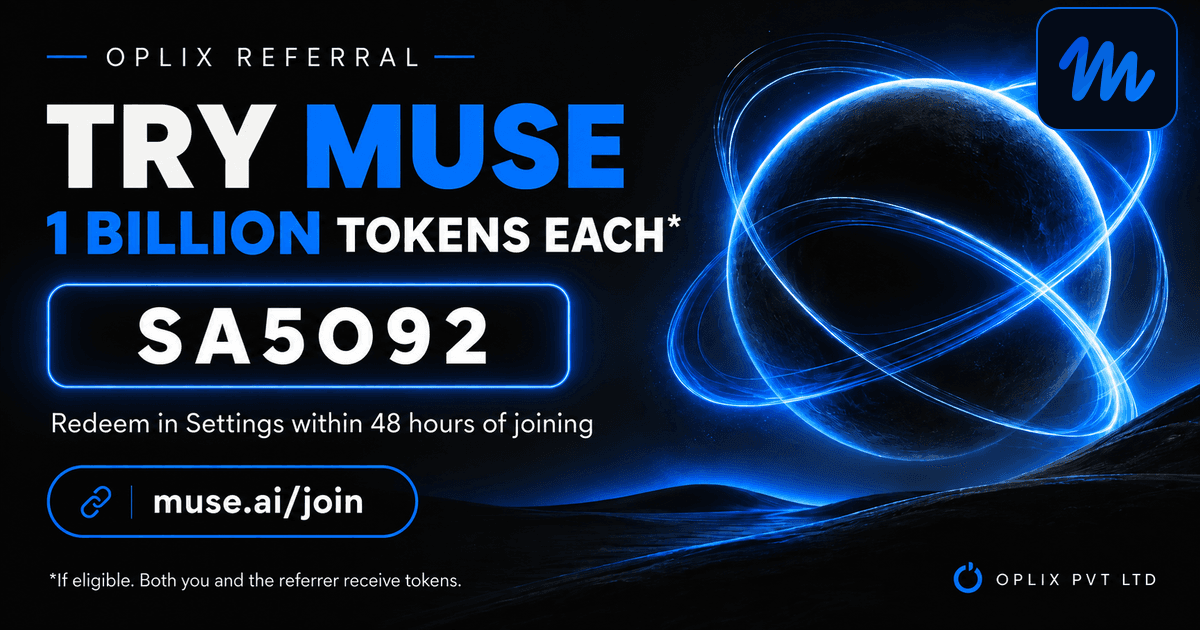
You can explore Muse at its official website or join here. Oplix has a referral code, SA5O92. The referral message supplied to us says an eligible new user should redeem it in Muse Settings within 48 hours of joining and that both the user and the Oplix referrer may receive 1 billion Muse tokens. Oplix may benefit if you use the code.
We could not independently verify the current reward amount, eligibility or availability in public Muse terms. Check the offer inside Muse before relying on it. The referral is optional and has no bearing on Oplix's assessment above. This article is not an official Muse or Meta promotion.
Primary sources
TURN THE UPDATE INTO A USEFUL SYSTEM
How Oplix can help
Explore the services directly related to this development.
AI Development
Custom AI agents, assistants and product features connected to your data, tools and business workflows.
Explore AI Development →AI Automation
Connect business tools, process information, qualify leads, trigger actions, and draft communications—with people in control when judgment matters.
Explore AI Automation →Software Development
Custom dashboards, portals, mobile apps, internal tools, APIs, and SaaS products shaped around how your business actually operates.
Explore Software Development →