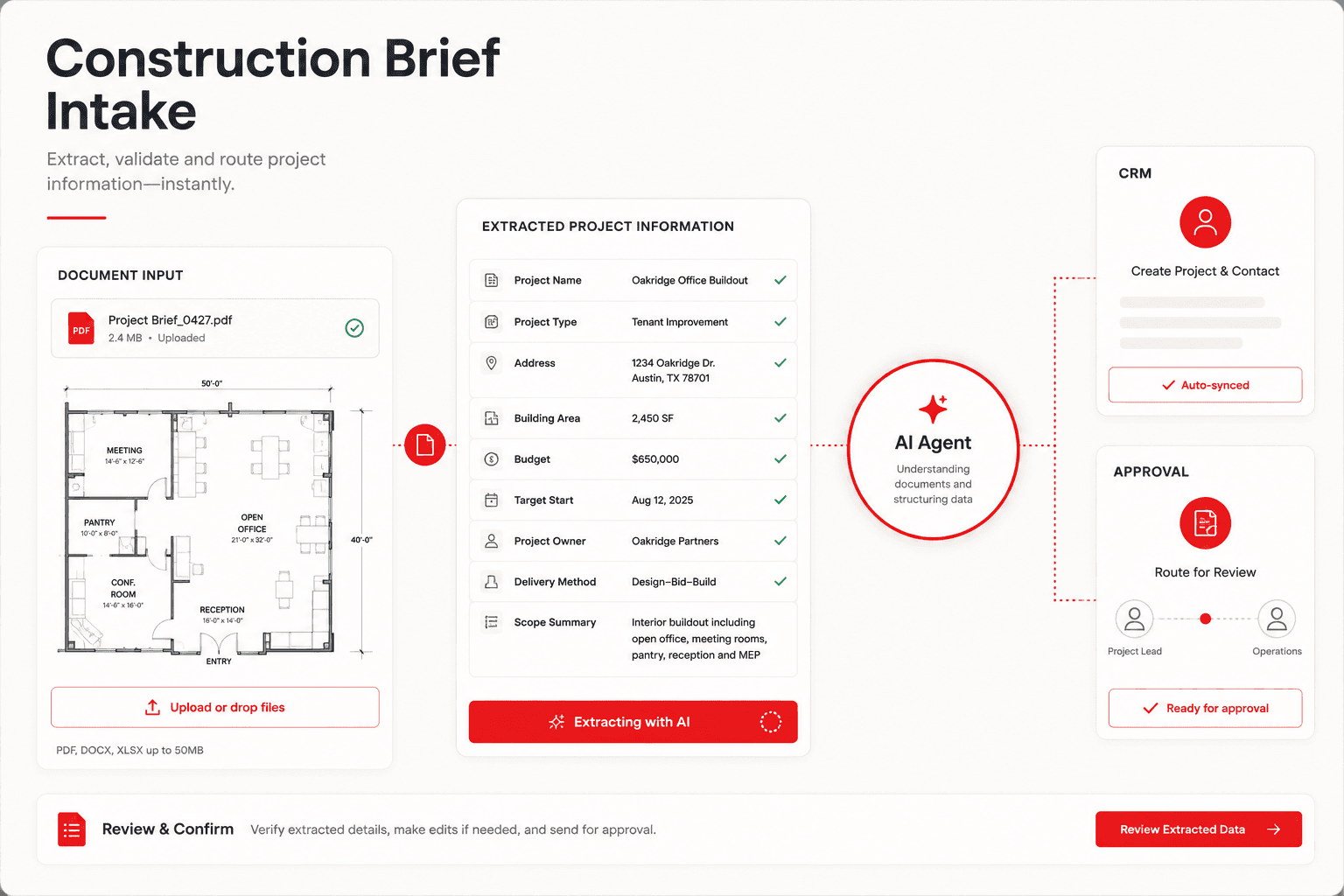
The coordination problem
Project details arrive in different formats. The team manually copies them and chases the missing information.
How the workflow could operate
Inquiry received
A form or shared inbox receives the project inquiry and its supporting information.
Responsible: Website / shared inbox. Output: One intake record.
AI structures details
Business-defined fields organize location, project type, and timing. Uncertain information is flagged rather than invented.
Responsible: AI + operating rules. Output: Structured project brief.
CRM record created
The inquiry is matched against existing records to reduce duplicate entry and assign a responsible team member.
Responsible: Connected CRM. Output: Assigned inquiry.
Human review
A person checks the qualification and proposed response before a customer-facing action proceeds.
Responsible: Operations team. Output: Approved next step.
Follow-up prepared
The approved information becomes a response and a follow-up task for the project team.
Responsible: AI agent + email integration. Output: Response and reminder.
Outcome recorded
Ownership, decisions, and the next due action remain visible in the operational view.
Responsible: Management dashboard. Output: Visible status and history.
What to agree before implementation
Identify the source of each record, the fields required for the next step, the person who owns exceptions and the conditions for approval. Confirm permissions and test incomplete, duplicated and failed items before connecting a live customer-facing action.
Choose the right starting point
Use Oplix Automate to connect a repeatable workflow, AI Development for custom agents and AI product features, or Oplix Build when the team needs a dedicated application.
Try the interactive workflow explorerOriginal AI-generated concept image. Reviewed September 5, 2026.