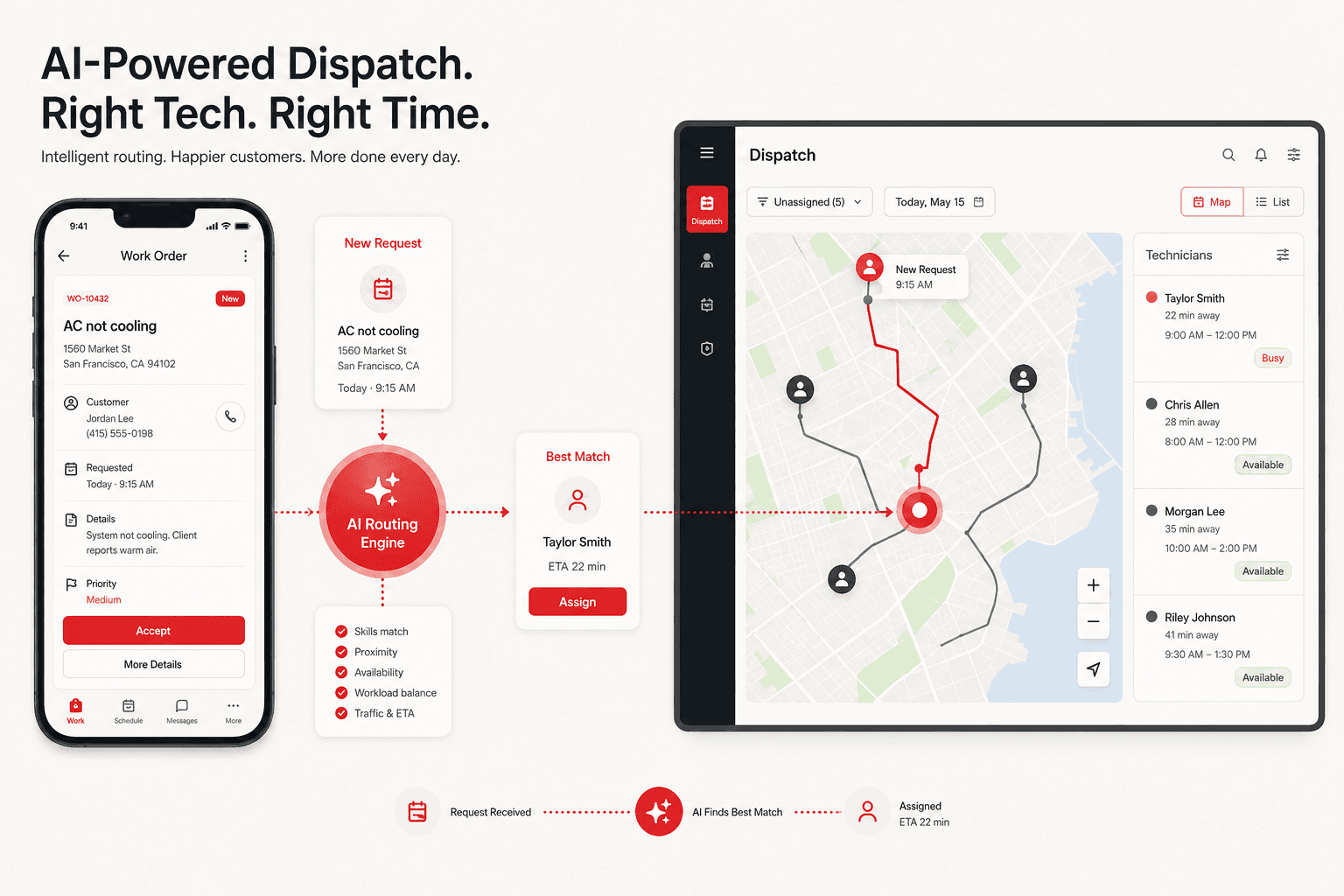
The coordination problem
Office staff chase job updates while field teams switch between calls, notes, and separate tools.
How the workflow could operate
Job received
A service request is recorded with the location and information needed by the team.
Responsible: Service intake. Output: Structured job request.
Work classified
The request is matched to the relevant service category and operating rules.
Responsible: AI classification + workflow rules. Output: Job requirements.
Team allocated
A suitable team and proposed time are prepared using the available schedule.
Responsible: Scheduling system. Output: Proposed assignment.
Coordinator review
A coordinator confirms the assignment and checks any exceptions before dispatch.
Responsible: Service coordinator. Output: Approved dispatch.
Field update captured
The team records notes and job status using a mobile workflow.
Responsible: Field team / mobile app. Output: Current field status.
Office stays informed
Status and the approved customer update become visible to the office team.
Responsible: Operations dashboard. Output: Shared job visibility.
What to agree before implementation
Identify the source of each record, the fields required for the next step, the person who owns exceptions and the conditions for approval. Confirm permissions and test incomplete, duplicated and failed items before connecting a live customer-facing action.
Choose the right starting point
Use Oplix Automate to connect a repeatable workflow, AI Development for custom agents and AI product features, or Oplix Build when the team needs a dedicated application.
Try the interactive workflow explorerOriginal AI-generated concept image. Reviewed September 5, 2026.